Laptop Fan Sound captures the clean cooling-fan tone of a laptop, giving listeners a compact technology-based white noise source for sleep, study, coding, and focus.
This sound is smaller and more precise than a kitchen fan or vacuum motor. It has a digital workspace feeling that can fit naturally beside reading, writing, programming, or late-night desk work.
A Compact Cooling-Fan Tone
The laptop fan has a narrow, steady airflow character. It is not as warm as a hair dryer or as broad as a range hood; it is a focused fan layer that can sit quietly behind mental work.
Why It Fits Focus Sessions
Many people already associate laptop fan noise with concentration. A steady version of that sound can make a desk environment feel consistent while reducing the impact of small room noises.
Original recording notes
Laptop Fan Sound | 10 Hours | White Noise for Sleep & Relaxation is presented as an original Findnoise recording centered on a laptop fan running during a steady workload. This is a practical fan or motor ambience page, recorded in a desk or computer environment with a compact fan tone, with the source kept recognizable rather than hidden behind music, narration, or abstract effects.
The editing approach is deliberately restrained. The recording keeps light fan airflow, compact motor presence, and a narrow electronic-room tone as the main listening character, while avoiding speech, music, lyrics, dramatic scene changes, or unrelated sound effects. That restraint matters because a long background page should remain usable without asking the listener to keep checking the screen or adjusting playback.
The visual layer is also part of the documentation. The computer-related visual context matches the source and keeps the page practical. It gives visitors a direct idea of what produced the sound before they press play, which helps the page function as a real sound-library entry rather than a disconnected video card.
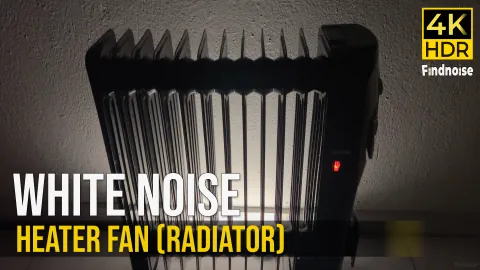
This recording is kept separate from nearby Findnoise pages because it is lighter and smaller than range hood, dryer, or heater fan recordings, making it a distinct focus-background option. Those distinctions are important for users comparing several similar sounds: a refrigerator page, a freezer page, a dryer page, and a rain page should not all read like the same article with a different title.
The page should be used as a practical listening reference, not as a personal outcome promise. Findnoise does not claim that a sound will create a specific personal outcome. The value here is the original source recording, the clear listening description, and the ability to compare one real ambience with other recorded environments in the same library.
What to listen for
- Source: a laptop fan running during a steady workload.
- Texture: light fan airflow, compact motor presence, and a narrow electronic-room tone.
- Visual context: The computer-related visual context matches the source and keeps the page practical.
- Best fit: low-volume background listening, focus work, reading, quiet routines, or room sound masking when this specific texture feels comfortable.
Technology Ambience in 4K HDR
The page pairs the sound with a real tech-focused visual atmosphere. This gives visitors a clear cue that they are choosing laptop fan noise rather than general fan white noise.
Best Listening Situations
- Coding, writing, studying, or focused desk work
- Low-volume sleep background for people who like computer fan noise
- Reading or research sessions where music would distract
- Masking small household sounds in a quiet workspace
Listening Tips
Laptop fan noise works well when it is quiet and even. For focus, set it just high enough to smooth the room without making the fan tone feel sharp.
What Makes This Page Distinct
This recording gives Findnoise a focused technology-noise entry. It differs from household appliances and suits listeners who specifically want laptop fan sound.
Library value and comparison
Laptop Fan Sound | 10 Hours | White Noise for Sleep & Relaxation is included as a specific library entry because the source is identifiable: a laptop fan recorded during continuous operation. The page now gives visitors more than a player and a short description. It explains the environment, the sound texture, the visual source, and the reason this recording belongs in the catalog.
The main character of this page comes from small fan whirr, electronic airflow, and a close desktop-room texture. That combination matters when a visitor is choosing background audio, because two sounds with similar titles can feel very different in a room. On Findnoise, the written notes are meant to make those differences clear before playback begins.
Compared with nearby pages, it is lighter than heater fan and much smaller in scale than hair dryer or vacuum recordings. This distinction is important for quality and navigation because the page documents a modern electronic fan sound for visitors who prefer compact, neutral background noise. The page is presented as an original listening reference and a documented sound-library record, not as a generic embed page or a repeated description with a changed thumbnail.
Selection note: choose this page when you want a laptop fan recorded during continuous operation rather than a general mood label. The source detail, comparison notes, and related links are written to help visitors move through the library by real sound behavior, not by repeated keywords. That keeps the page useful even when several recordings share the same broad category.
Catalog note
This catalog note records why this page belongs in the Findnoise library as its own entry. The source is a laptop fan running steadily, and the listening character is a small electronic fan tone with a focused airflow character. That source detail matters because visitors often compare similar background sounds before choosing what to play for a room, workspace, or quiet evening setting.
This entry gives the library a compact electronics sound rather than a large appliance hum. The page helps visitors compare laptop fan noise with heater fans, hair dryers, and range hood airflow. The page is written to describe the recording, not to promise a personal result. The value comes from clear source notes, stable playback, visible context, and links to the closest related recordings in the same library.
Editorial note: Laptop Fan Sound | 10 Hours | White Noise for Sleep & Relaxation is maintained as a documented sound-library page with written context, source comparison, and related listening paths. The page is intended to help visitors understand the recording before playing it, not to function as a thin redirect to an external video or a repeated keyword page.
Related listening paths
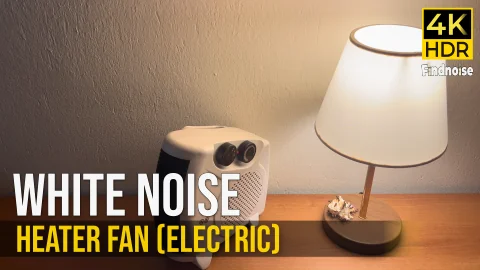
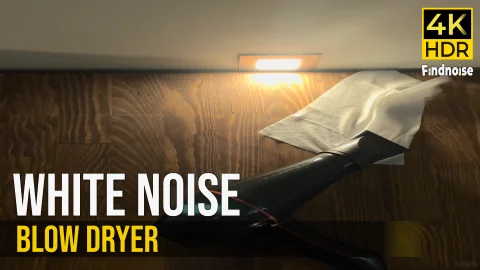
For a close alternative, compare this recording with electric heater fan sound or hair dryer sound. For broader browsing in the same listening style, use the White Noise library.
Frequently Asked Questions
Is this a computer fan sound?
Yes. The page focuses on laptop fan ambience and a steady cooling-fan character.
Can I use it while coding?
Yes. It is especially suitable for coding, studying, writing, and other quiet desk tasks.
Does it have sudden changes?
The page is designed around continuous long-form background listening rather than sudden audio changes.